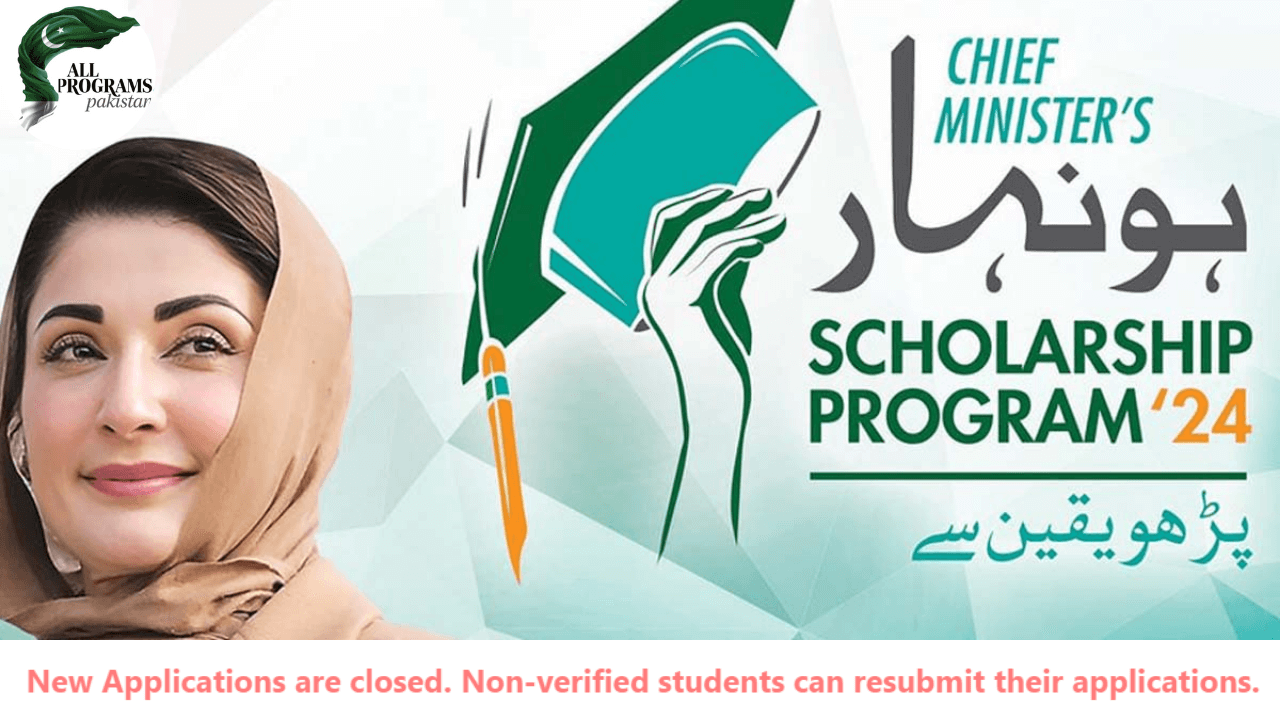
How to Resubmit Honhaar Scholarship Application – Full Guide 2025
 Follow us on Facebook
 Join our WhatsApp Channel
 Subscribe on YouTube
The Honhaar Undergraduate Scholarship Program is a very special program launched to help talented students from all over Punjab. It gives financial support so students can complete their university studies without worrying about money.
Many students apply for this scholarship every year. But sometimes, the scholarship team marks some applications as “Not Verified.” This means there was a problem with the application — maybe some documents were missing, or some information was wrong, or the university did not verify the student’s details.
If your application was “Not Verified,” this does not mean you have lost the chance. You can resubmit your application by fixing the problems. This guide will explain, step by step, how to resubmit your Honhaar application so it will be accepted next time. We will also tell you important tips, things to avoid, and how to stay safe during this process.
How to Resubmit your Honhaar Undergraduate Scholarship Application?
Step 1: Access the Official Portal and Log In
You need to open the official Honhaar scholarship website in your internet browser. The official website is:
honhaarscholarship.punjabhec.gov.pk
Once you open this website, you will see the option to log in. If you want to go directly to the login page, use this link:
honhaarscholarship.punjabhec.gov.pk/signin.php
Click Here to Resubmit your Honhaar Undergraduate Scholarship Program Application
How to log in to your Honhaar Scholarship Account?
-
Enter your CNIC number carefully. Do not include dashes (-). Just type your 13-digit CNIC number.
-
Enter the password you created when you first applied.
-
Complete the captcha to prove you are not a robot. This is a simple box where you type letters or numbers shown.
-
Click the “Sign In” button.
After signing in, you will be taken to your personal dashboard where you can see your application status and options.
Step 2: Check Your Honhaar Application Status
When you log in, the very first thing to check is your application status.
-
If the status says “Verified” or “Approved”, congratulations! You do not need to resubmit.
-
If the status says “Not Verified”, this means there was a problem with your application, and you are allowed to resubmit.
The “Not Verified” status usually means:
-
Your documents were not clear or missing.
-
Some information you gave was incorrect or mismatched.
-
Your university has not confirmed your academic details.
-
Or some other issue prevented your application from being approved.
Don’t worry if your status is “Not Verified.” This is an opportunity to correct your mistakes.
Step 3: Edit and Update Your Undergraduate Honhaar Application
What can you change?
Click on the button called “Edit Application.” This will allow you to change your personal information, academic details, and upload missing or clearer documents.
You should carefully check and update these parts:
Personal Information
-
Full Name: Make sure it matches your official documents exactly.
-
Father’s Name: This is important for identity verification.
-
Date of Birth: Must be correct and match your CNIC.
-
CNIC Number: No mistakes here — check carefully.
-
Contact Details: Your phone number and email must be correct so the scholarship team can contact you.
Academic Details
-
Institution Name: Write the full name of your university or college.
-
Degree Program: Be exact, like “Bachelors in Computer Science.”
-
Enrollment Number: Your student ID number or registration number.
-
Current Semester: For example, “3rd Semester” or “Final Year.”
Upload Required Document for Honhaar Scholarship Program
You must upload clear scanned copies of the following documents:
-
CNIC (front and back)
-
Student ID card from your university
-
Latest academic transcript (marksheet)
-
Domicile certificate (proof of your province or district)
-
Income certificate (only if required by the program)
Important: Make sure the scans are clear and readable. Blurry or dark scans will be rejected again.
Step 4: Submit the Updated Application
Before you click the “Submit” button, do a final review of your application:
-
Check that every detail is correct.
-
Make sure all documents are properly uploaded.
-
Confirm there are no missing fields or boxes left blank.
When everything looks perfect, click “Submit Application.”
You will see a confirmation message that your application has been received.
Step 5: Save Your Confirmation Details
After submitting:
-
Take a screenshot of the confirmation message on your screen.
-
If possible, print the confirmation page or save it as a PDF.
This confirmation is proof that you completed your resubmission. It can help if there are any problems later.
Important Points to Remember
| Point | Details |
|---|---|
| Who can resubmit? | Only students whose applications are marked “Not Verified.” |
| Can new students apply now? | No. New applications are not accepted during resubmission period. |
| How many times to resubmit? | Usually only one chance to resubmit. Make sure your application is perfect. |
| University verification | Contact your university’s scholarship office or focal person to confirm your details. |
| Deadline for resubmission | Keep checking the portal for official resubmission deadlines. Late submissions may be rejected. |
Tips for a Successful Resubmission
Here are some important tips to make your resubmission successful:
-
Check every detail carefully: Your name, CNIC, and academic information should match exactly with your official documents.
-
Scan documents properly: Use a scanner or a phone camera in good light. Make sure all parts of the document are visible and clear.
-
Use PDF or JPG formats: Upload only accepted formats as per portal instructions.
-
Be honest: Never try to upload fake or altered documents. This will cause permanent disqualification.
-
Regularly visit the portal: Sometimes the scholarship team will send messages or updates for you to check.
-
Contact support quickly: If you face technical problems, immediately use the official query portal (link given below).
You may also like: CM Maryam Nawaz Free Laptop Scheme 2025 – Apply Online Now!

How to Get Help if You Face Issues?
If you get stuck during resubmission, or your application status doesn’t update, don’t panic. You can ask for help.
-
Go to the official Query Portal here:
honhaarscholarship.punjabhec.gov.pk/queries/users/index.php
-
When submitting your question:
-
Write your CNIC number
-
Provide your registered email
-
Clearly explain the problem you are facing.
-
-
The support team usually replies quickly.
Conclusion:
If your Honhaar Undergraduate Scholarship was “Not Verified,” don’t lose hope. The Honhaar Scholarship Program wants to help you succeed, and they have given you this chance to fix your application.
By carefully reading this guide and following every step with patience, you can resubmit your application with confidence. Make sure all your information is perfect, all documents are clear, and you submit before the deadline.
This scholarship can change your educational future. So, work carefully and stay hopeful!